


WordPress security: how to protect your website
WordPress security is essential for any website or WooCommerce store. WordPress is a secure platform, but only when properly configured and maintained. Without the right security measures, a website is at risk of hacks, malware, and data breaches.
WordPress security revolves around updates, reliable plugins, strong passwords, and reliable backups. With the right measures, WordPress is a secure, stable, and professional platform for any website or online store.
On this page you can read what WordPress security entails, why it is important and how you can optimally protect your website.
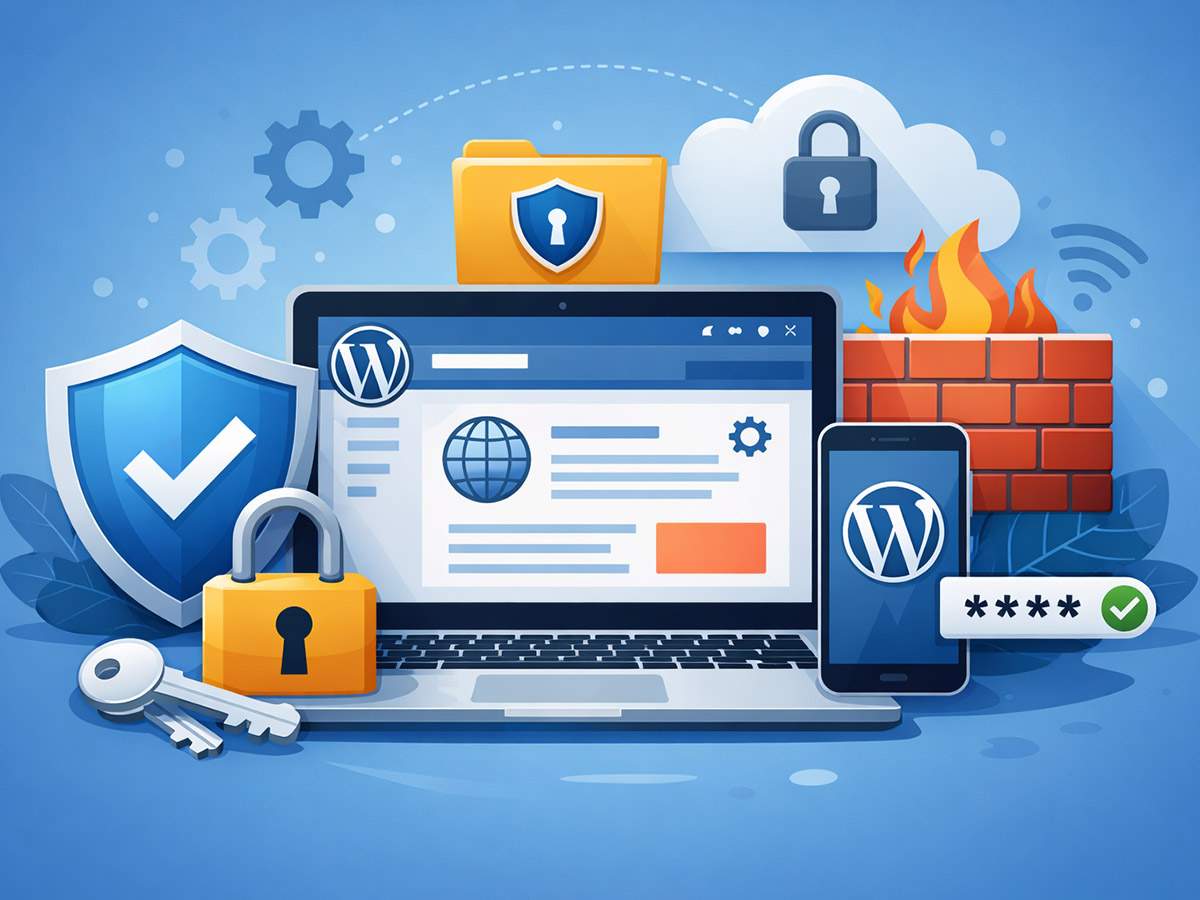
Everything you need to know about WordPress and security
Why WordPress security is so important
Because WordPress is the most widely used CMS worldwide, it is also a popular target for:
- Hacking attempts
- Malware and spam
- Misuse of weak passwords
- Attacks via outdated plugins
Good WordPress security prevents damage, data loss, and downtime and ensures trust with visitors and customers.
How secure is WordPress itself?
WordPress itself is built securely and is continuously updated by a large team of developers. Each update improves:
- Security
- Stability
- Performance
Problems are usually caused by:
- None or late updates
- Unreliable plugins or themes
- Bad passwords
- Lack of additional security layers
Key components of security and WordPress
Regular updates
Updates for WordPress, plugins, and themes are crucial. They patch known security vulnerabilities and protect your site from new threats.
Reliable plugins and themes
Use only actively maintained plugins and themes. The fewer unnecessary plugins, the lower the risk.
Strong passwords and user roles
Strong passwords and appropriate user permissions prevent unauthorized access to your website.
Additional security measures
Good WordPress security often consists of:
- Firewall
- Two-step verification (2FA)
- Login security
- IP blocks
- Monitoring and notifications
- Backups
Daily backups are essential. If something goes wrong, you can quickly restore your website.
WordPress and security for WooCommerce
For online stores, WordPress security is especially important. This often includes:
- Personal data
- Orders
- Payment details
A well-secured WooCommerce store increases trust, prevents data leaks, and better complies with privacy regulations.
WordPress security and performance
Good WordPress security doesn’t have to slow down your website. With the right settings, your site will remain:
- Fast
- Stable
- User-friendly
Security works largely in the background, protecting your website without impacting the visitor experience.
Frequently Asked Questions about WordPress and Security
Is a WordPress website well protected by default?
A new WordPress installation is secure, but without additional configuration and maintenance, protection remains limited. Therefore, additional measures are important.
Why are WordPress websites often attacked?
Because WordPress is so widely used, attackers often target it. It’s not the system itself, but outdated plugins and weak passwords that usually pose the risk.
What happens if I don’t update my website?
Without updates, known vulnerabilities remain open. This increases the risk of hacks, malware, and website exploitation.
Are plugins a security risk?
Plugins are safe as long as they are reliable and actively maintained. Old or poorly coded plugins pose a significant security risk.
Do I need additional security software?
This isn’t mandatory, but it is strongly recommended. Additional security layers like firewalls and login protection significantly reduce the risk of problems.
How important are strong passwords?
Very important. Many attacks are successful due to weak or reused passwords. Strong passwords and two-step verification make logging in much more secure.
What is the risk of multiple user accounts?
More accounts means more potential access points. By configuring user roles correctly, you prevent everyone from having too many rights.
Why are backups essential?
Backups ensure your website can be quickly restored in the event of a hack, error, or update issue. Without a backup, recovery can be time-consuming or even impossible.
Is an online store extra vulnerable to attacks?
Yes. Webshops process personal data and orders, making them more attractive to attackers. Additional protection is crucial here.
Does security affect the speed of my website?
Well-configured security works in the background and has minimal impact on loading times. Poorly configured or heavy plugins can, however, cause delays.